


More than your average spreadsheet
What’s included
Rate and deal check
Get your finances in order by clearly comparing bank accounts, credit cards, home loans and more — so you can spot better interest rates, ditch bad deals, and switch, or consolidate.
Smart spending check in
Bring your spending into the light with tools that slow impulse buys, track daily habits, and help you review your money monthly — so you stop guessing, start saving, and feel fully in control.
From “I should save" to “I’m actually doing it”
Set clear money goals, track every dollar you put away, and watch your debt shrink in real time — so saving feels achievable and debt doesn’t feel so heavy anymore.
Monthly and yearly budget overviews
Create custom budget categories that reflect your real life, track spending month by month, and see it all roll up into a big-picture annual view — no double-handling, no mental math, no guessing.

So, you want to get your life together… starting with your money.
Here’s where your money glow-up begins:

Finally feel ahead of your money
That quiet relief of opening your bank app and not bracing for impact. You know what’s coming in, what’s going out, and what’s building. No chaos, no surprises—just the steady confidence of someone who’s finally a step ahead.

Save time, save stress
No more digging through apps, statements, or “guess-and-hope” budgeting. Everything you need is laid out for you, so you can get your money sorted in minutes… and get your life back.

Build your money confidence
Watch your savings grow, your habits shift, and your goals get closer. This isn’t just budgeting—it’s proving to yourself that you can manage your money well, and it feels really good.
Here’s how it actually works
A quick demo of our Savings Tracker.
Track up to 5 goals at once and see exactly how much you’ve saved, what’s left to go, and your progress along the way — saving just got way more motivating.
Frequently asked questions
You’ll receive the Budget Like a Boss Planner as a Google Sheets file, along with A4 printable PDF checklists and templates for those who love pen and paper too.
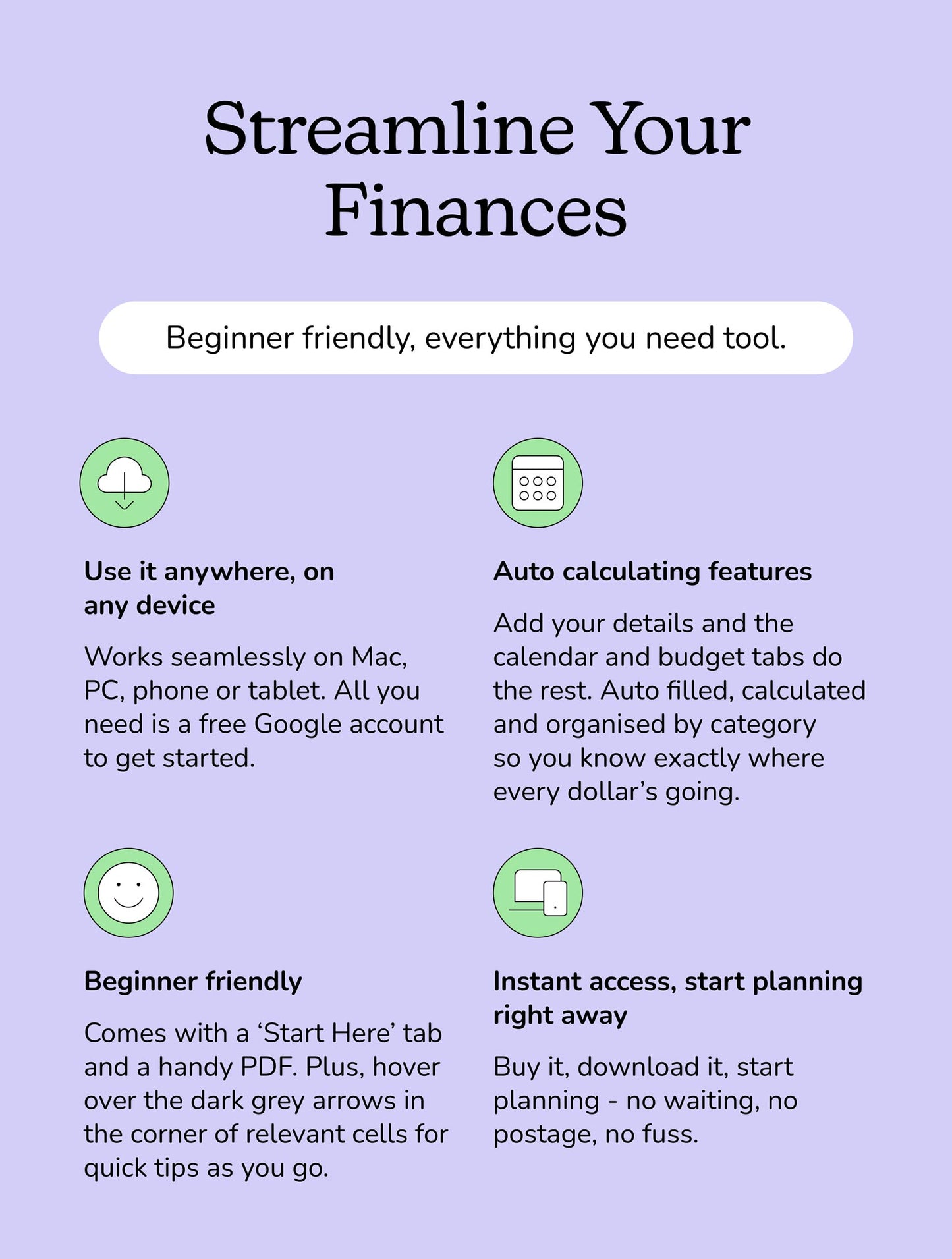
No spreadsheets degree required. We’ve already done the heavy lifting with all the formulas, graphs, and formatting sorted for you. The planner is super beginner-friendly — you’ll just need a Google account, a basic idea of how Google Sheets works, and a PDF reader to view the included PDF pages.
You won’t be flying solo either. The Budget Like a Boss Planner comes with a quick tutorial video, a handy FAQ, and clear instructions built into every tab. And if you do get stuck? Our friendly humans are always around to help you out.
Once you’ve purchased, you’ll receive an order confirmation email with a download link for your Budget Like a Boss Planner. If you don’t see it straight away, be sure to check your junk or spam folder — sometimes emails like to hide there.
Use the Budget Like a Boss Planner for any timeframe you like — just change the dates and go. The 12-month budget tabs and yearly overview make it easy to duplicate the file and start fresh each year.
Yep! Use it on Mac, PC, phone, or tablet. Just sign in with a free Google account and you’re good to go.
The Budget Like a Boss Planner is designed to be used in Google Sheets and won’t work in Apple Numbers. If you don’t already have Google Sheets, you can sign up for a free Google account and use it directly in your web browser. When you purchase the [insert product title], you’ll receive a Google Sheets link along with a set of A4 printable PDF files.
Absolutely! The Budget Like a Boss Planner is delivered as a Google Sheets file, so as long as you have the Google Sheets app, you can view and use it on your phone or iPad. That said, we recommend using it on a laptop or desktop for the best full-screen experience.
Due to the digital nature of the [insert product title], all purchases are final and non-refundable. If you have any questions or want to double check it’s right for you, send us an email at hello@lumalico.com and we’ll gladly point you in the right direction.
To print the PDF pages, simply open the file on your computer or tablet using any PDF reader (like Preview on Mac or Adobe Reader). Once it’s open, click File → Print, choose your printer, and hit print. The pages are sized for A4 paper, so make sure your printer settings match this for the best result.
If you don’t have a printer, you can also save the PDF and print it later at a local print shop.
If you’re a Google Sheets pro, you’re welcome to tweak colours and fonts if you like — but fair warning, it may throw off the formatting. The Budget Like a Boss Planner sticks to a clean, single colour theme on purpose, keeping things clear, readable and focused on your money (not the frills).
This Google Sheet/digital product is a creation of Lumali and is intended for personal or internal business use only. It's packed with value, so please don't copy, distribute, resell, or share it without our permission. Unauthorised use is a no-go and may lead to legal action. Let's keep it fair and fun — respect the work, and we'll all stay happy!